
Your files.
Your server.
A personal cloud for files, photos, music, books and calendars. It runs on your server and works with the programs you already have.
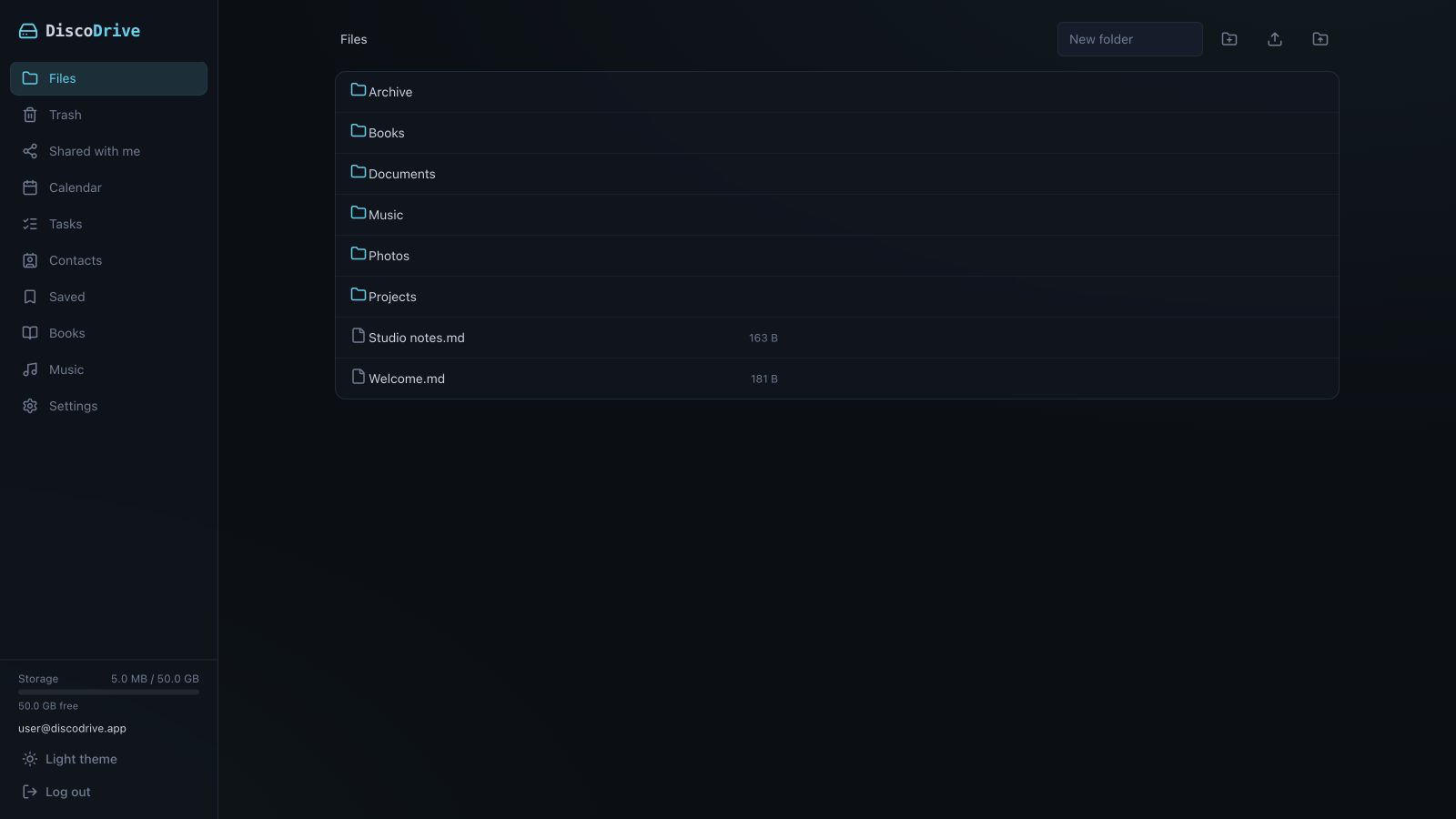
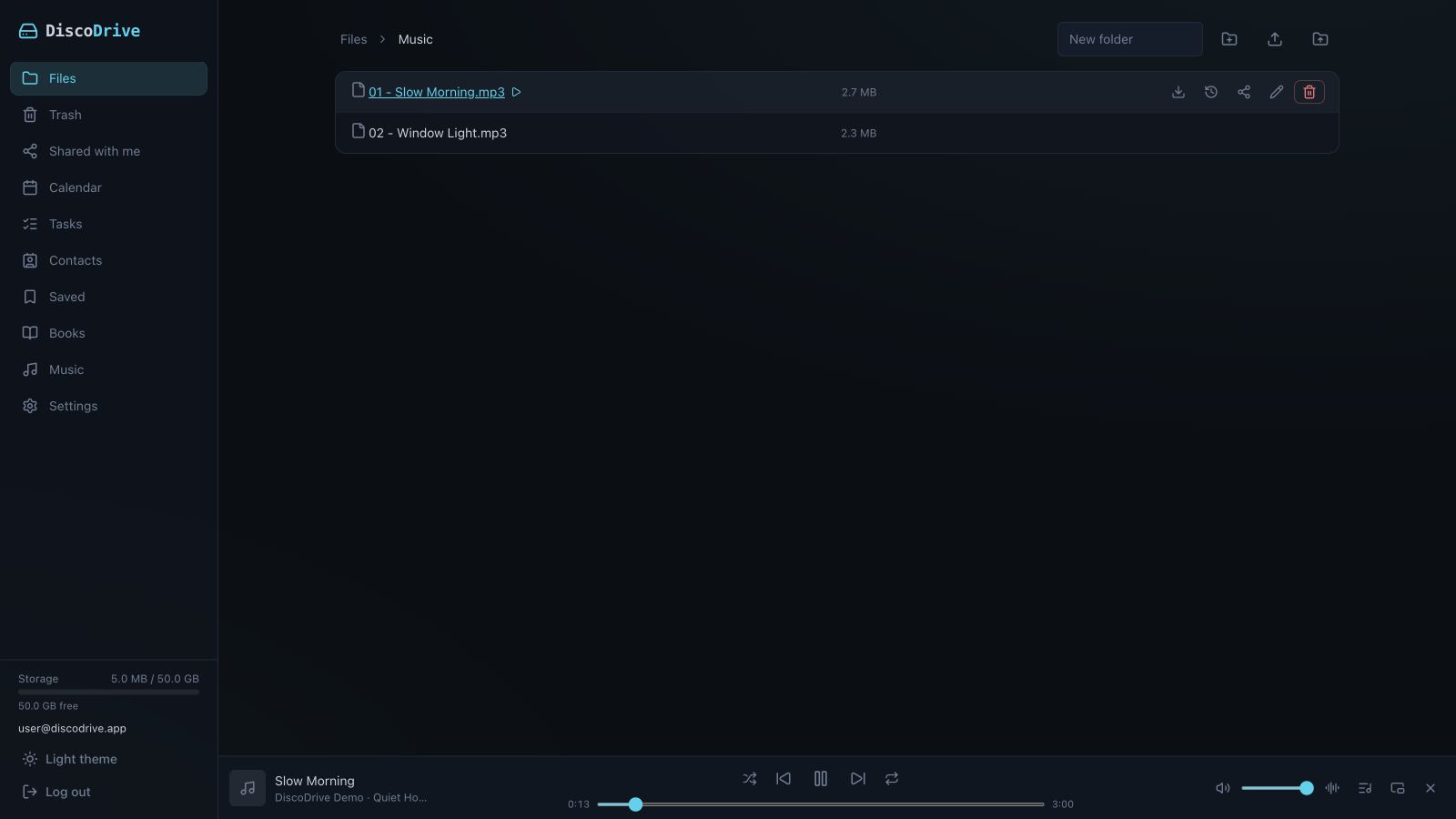
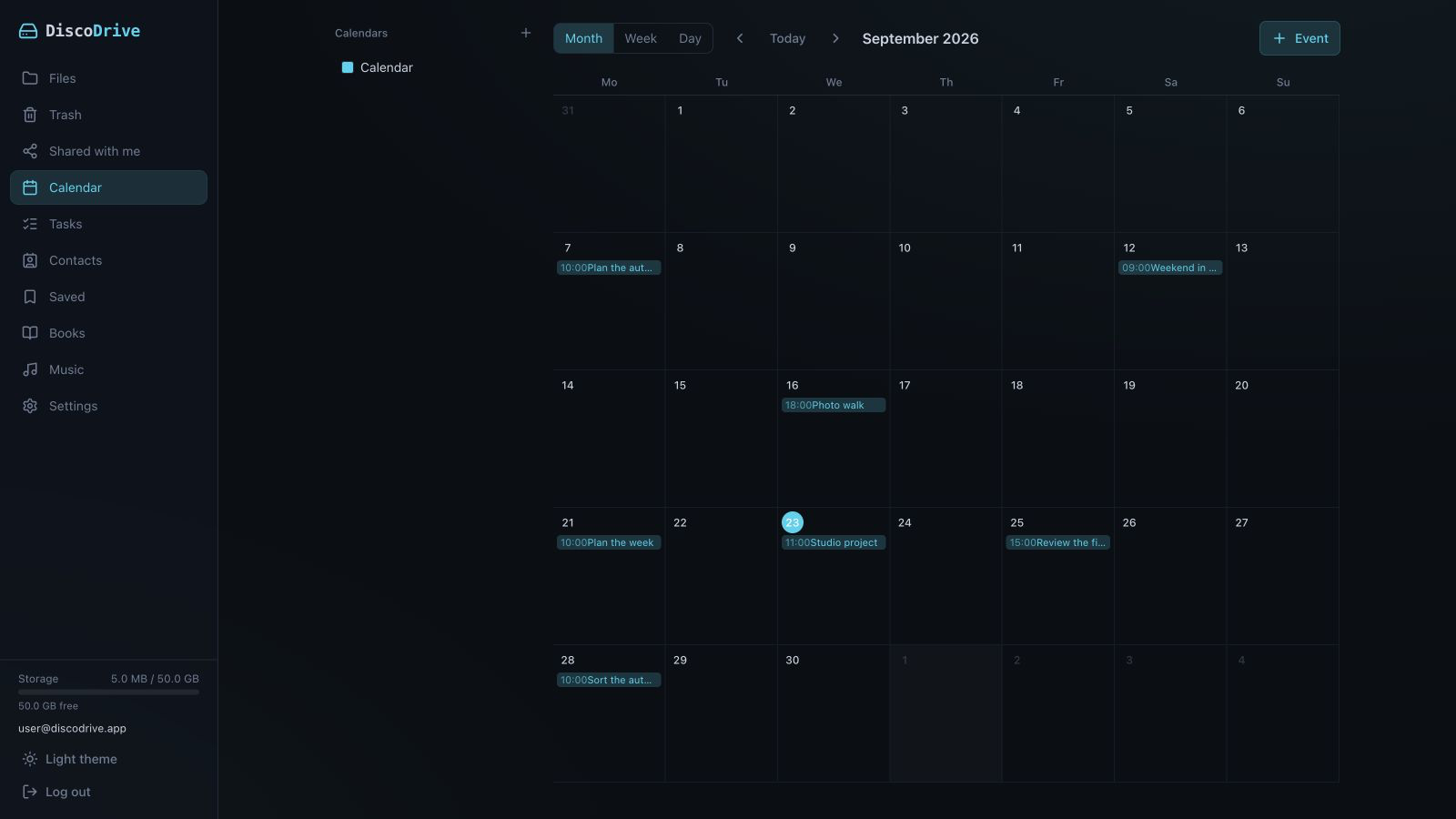
Your files stay yours, even without DiscoDrive.
On the server disk you will find the same folders and names you see in the interface. There is no storage format of its own.
If you want to leave, just copy the folder. The files open in ordinary programs, even with DiscoDrive switched off.
About the serverOne system instead of five.
Files, calendars, contacts, music and books live on one server. There is one system to update and configure, not five.
One system instead of several
Storage, calendars, contacts, music and books are one service. No need to install and update five separate ones.
A vault even the server cannot read
Vault contents and file names are encrypted on your device. The format is Cryptomator, so the vault opens in their apps too.
One account for everything
The web interface, the apps, the CLI, MCP and the extension all sign in with one account. Third-party programs get their own app passwords.
Your cloud in Finder and Files.
Apps for your devices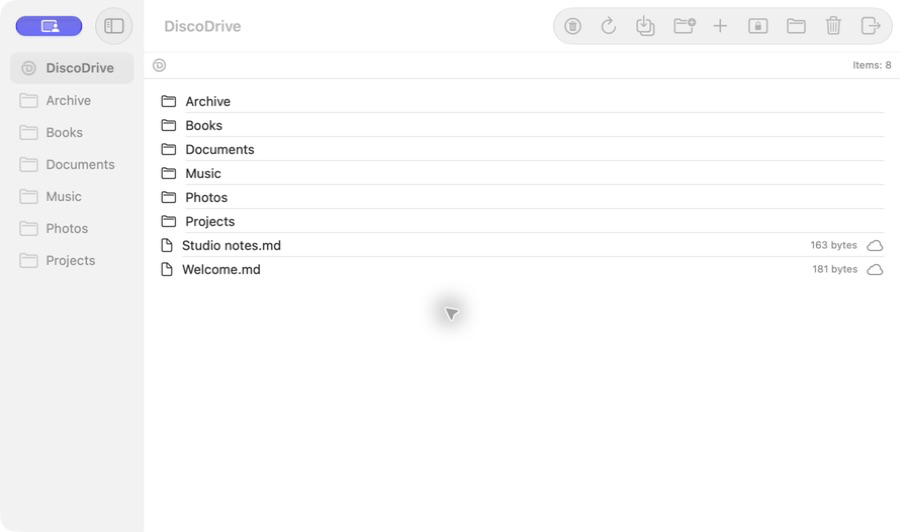
DiscoDrive for macOS
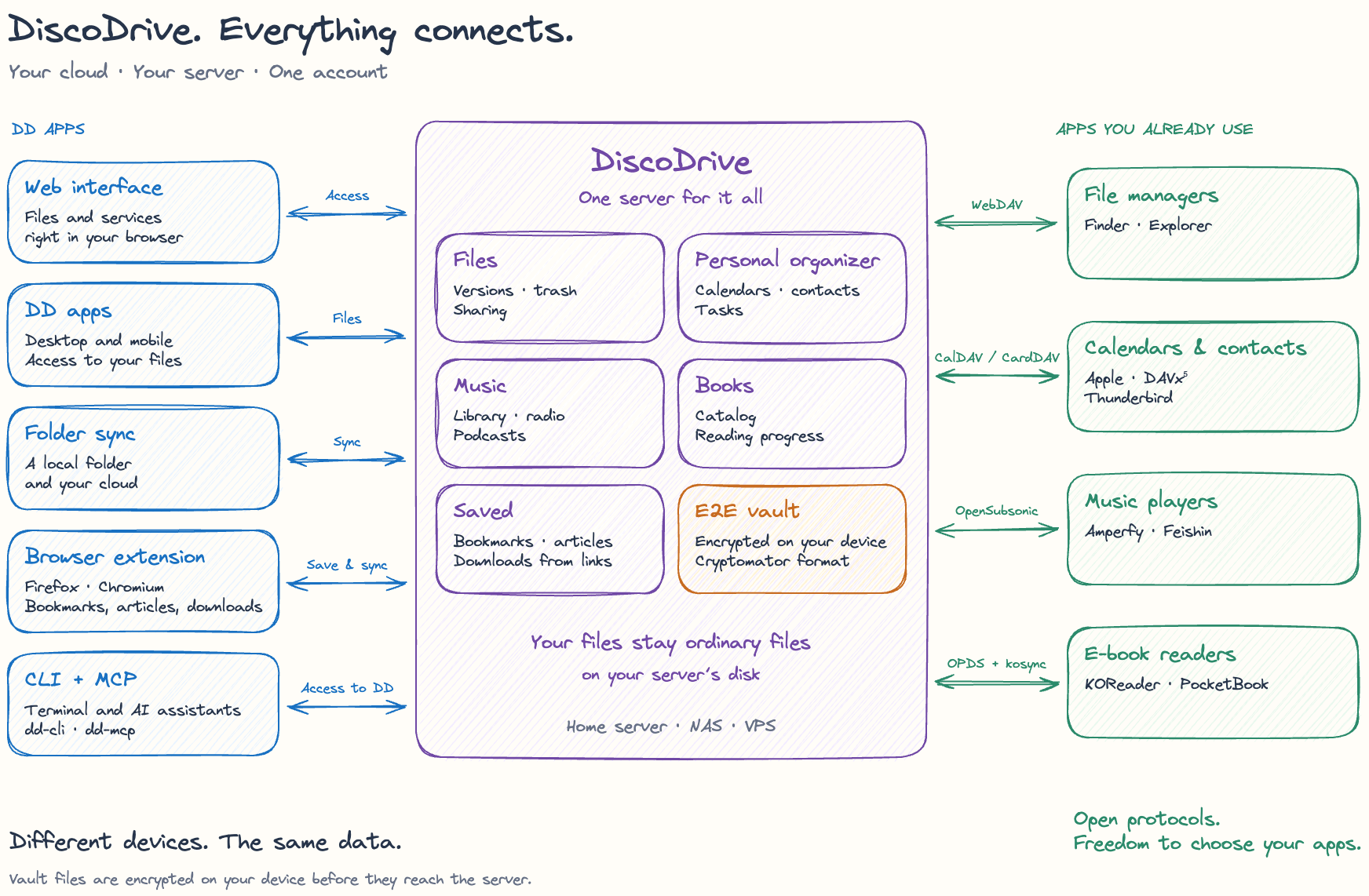
On a Mac your cloud appears in Finder, on iPhone and iPad in Files. Other file managers connect over WebDAV; calendars and contacts over CalDAV and CardDAV.
Music plays in Amperfy or Feishin, books open in KOReader and PocketBook. KOReader also remembers your page: start reading on one device and carry on on another.
macOS / Windows / Linux
iOS / Android
| Program | What you get there |
|---|---|
| Finder, Files on iOS | Your whole storage, through the DiscoDrive apps |
| Calendar on iOS and macOS, Thunderbird | Calendars and contacts over CalDAV and CardDAV |
| Amperfy, Feishin | Music over OpenSubsonic |
| KOReader, PocketBook | Books over OPDS |
Four ways to connect.
Server
A web interface for files, links and versions. Calendars, contacts, music and books are there too.
Apps
Folder sync on your computer, file access from your phone and automatic photo upload.
CLI and MCP
Your cloud from the terminal and for an AI assistant: find a file, add a meeting, save an article for later. The assistant can delete or move files only if you allow it.
Browser extension
For Firefox and Chromium. Sends files to the server by link, saves pages to read later and syncs bookmarks between browsers.
For teams and companies.
Work data stays on your infrastructure. We can help with installation, migration and support, run the server for you, or ship DiscoDrive under your brand.
DiscoDrive for businessStart with one folder.
DiscoDrive runs on a home server, NAS or VPS. Free for non-commercial use.